ChatBots
Modal body text goes here.
Emoji Commands
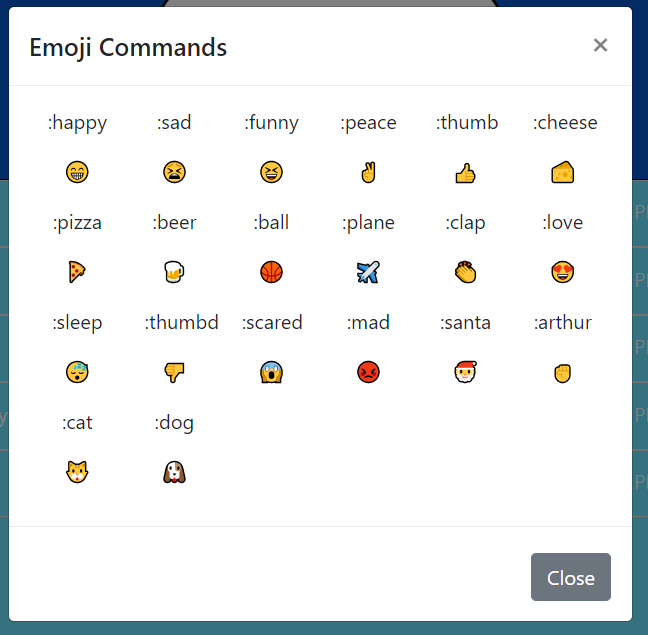
The emoji commmands feature uses a stock of emoji command/emoji value pairs stored in a JSON file. When the page loads an XHR request is made for the JSON and then the emojis and their commands(collected from the JSON keys) are stored to arrays. When a message is submitted, it is first split into seperate words, each word is then checked vs each emoji command and if there is a match, it is replaced with the corresponding emoji via a splice method. Finally, all the words and emojis are joined back together before storage in the messages array. Additionally, the emoji and emoji key arrays are looped over to build up a reference modal.
Gif Selector
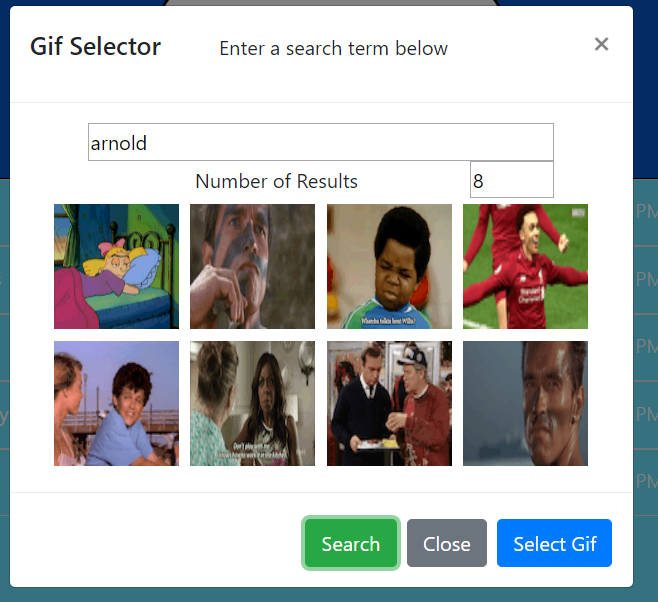
The gif selector component utilizes the Giphy API to get a list of gifs that may be inserted into messages. An XHR request is made to the Giphy API, modifying the URL of the get request based off the input search term and limited by selected number of results. The returned array of gifs is then looped over to build out a list of gif thumbnails the user can choose between. If a gif is selected, it is stored into a variable and will be appended to the message upon submital.
Friends List
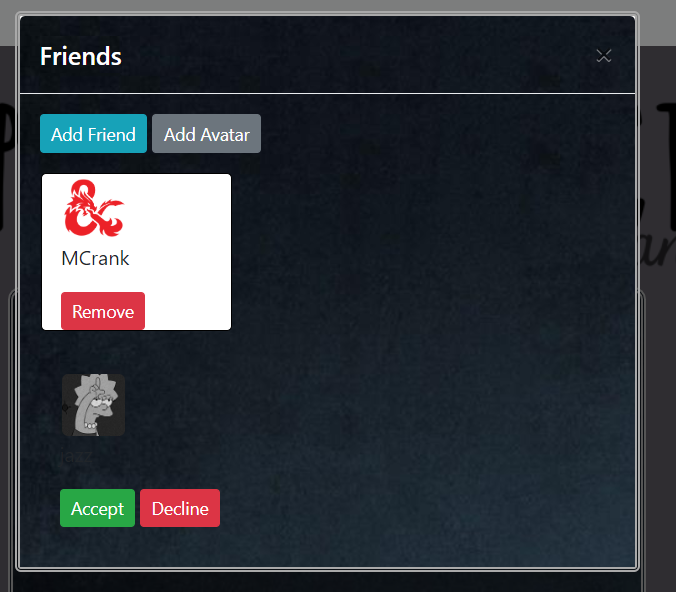
The friends component primarily makes use of a firebase database of users and friend requests. Each user has a user key within the database including their google UID, their username, and their list of friends(by UID), and their avatar. The friends component uses a series of promises and axios calls to get the user objects for each friend from the current users friend list, and then build out a list of friends usernames and avatars to display to the user. The add friends page again uses a series of promises and axios calls to the database to get a list of users, and then do a series of filters on users who are already friends, have pending requests, or are the current user. Pending friend requests are stored in the database in the requests database, created by an axios post with the UIDs of both parties. When a request is accepted or declined, two series of axios calls are made to delete the request, and then add the approriate user to each party's friends list through an axios put request. The page is refreshed after each action.
Avatars
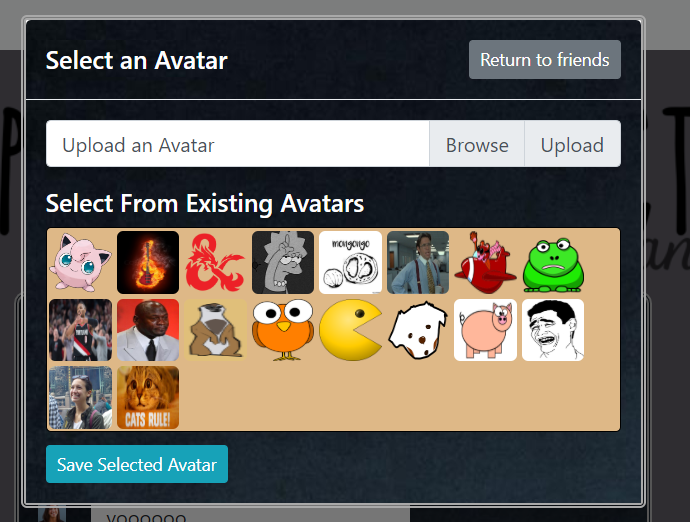
The avatars component allows users to upload and select avatars for display with their usernames. Avatars are stored using firebase storage, and new avatar images may be uploaded to the storage database by users. This is done using the javascript file interface and a put request. Because the firebase storage system does not allow for getting download links for files programatically, each avatar has a filepath reference object created in the main database. This reference is then used to access the actual link URL using firebase's getURL function. The avatar list that users may select from is built by using an array of promises with each index getting a seperate download URL and resolved through a Promise.all.
Message List
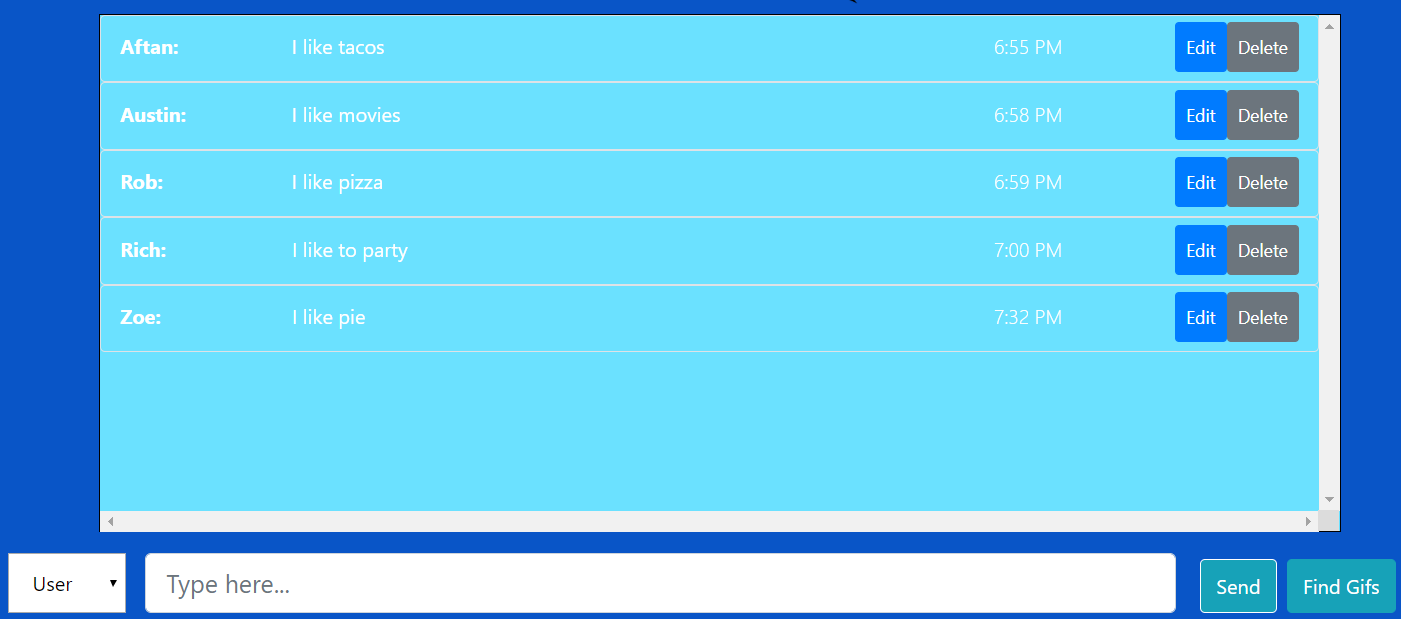
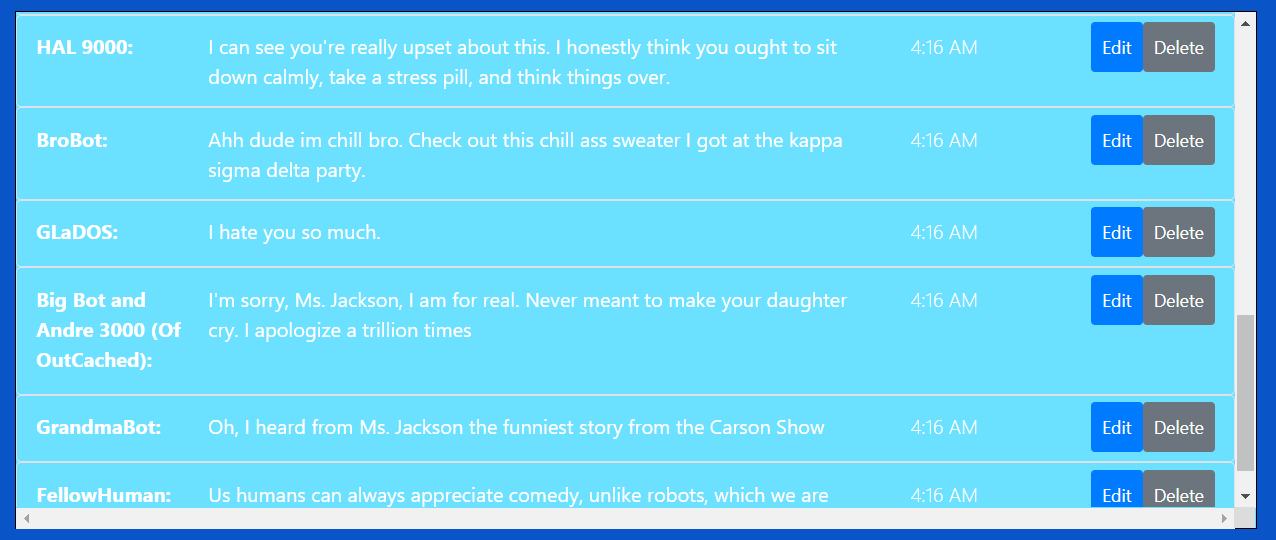
The messages system uses an XHR get request to collect an initial set of messages upon page load from a JSON file (served up locally by a JSON server). These messages are then stored into a messages array which will be used for all further message manipulation. When a new message is submitted, its relevant data is collected (message value, timestamp, user, gifs), bundled into a message object and then pushed into the messages array. A function is then called to build out the messages list by looping through the main array. A state variable used for editing is assigned the id of the relevant message upon beginning editing of a message. Upon submitting an edited message the array is looped over again, checking for the relevant id and updating the values of the correct array index. The editing state is then turned back off.
Visual Seating Map
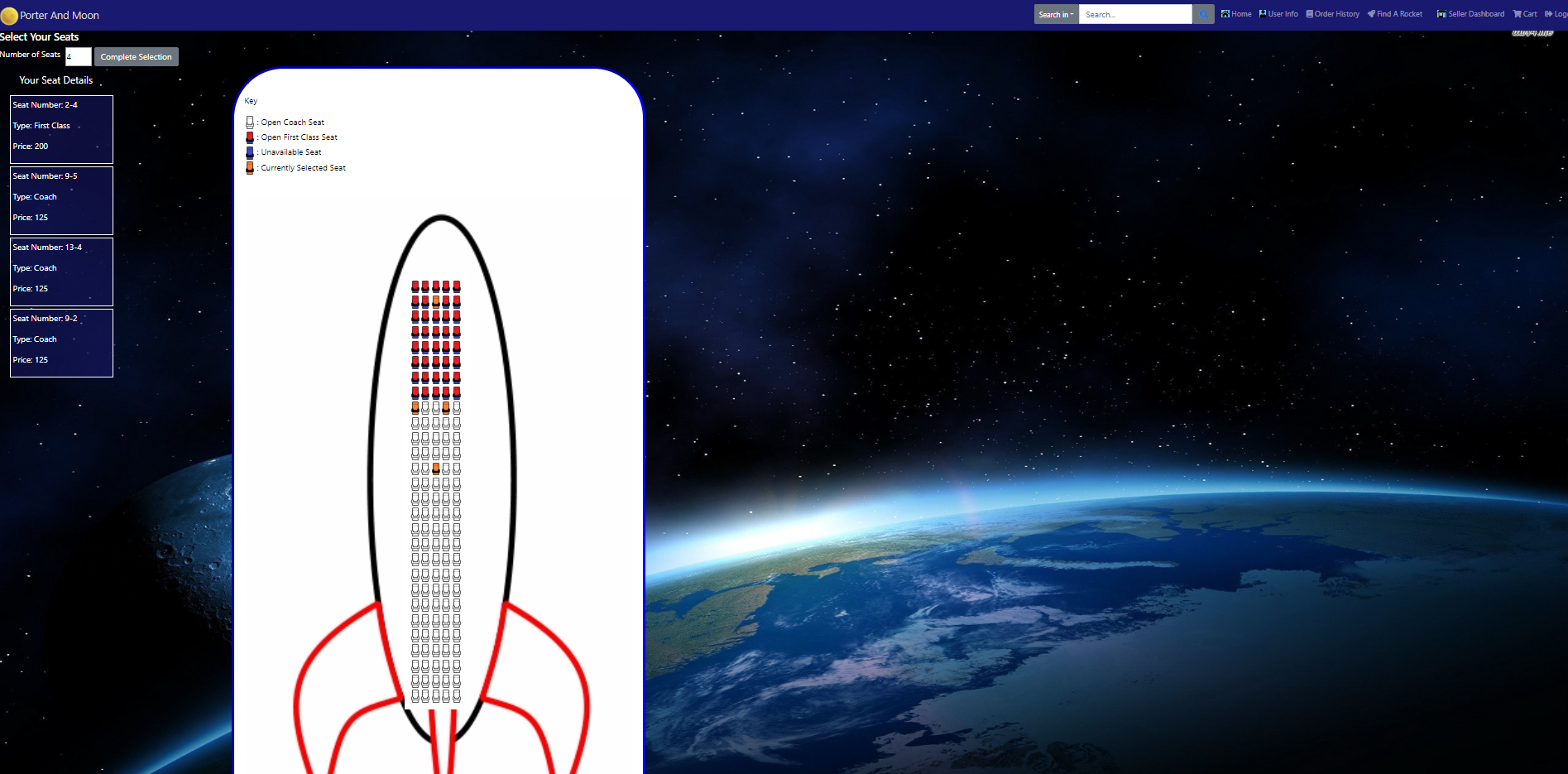
Each passenger flight added has a corresponding set of seats added to the sql database, generated through a cartesian join. The application then pulls these seats in when customers are purchasing to generate a visual map of the seats including which are are already purchased, which are first class, etc. using the data from the seats table along with the row length information stored with the flight. The site then uses the number of rows and row lenght to scale the rocket image size to fit the particulars of the flight.
Seller Dashboard
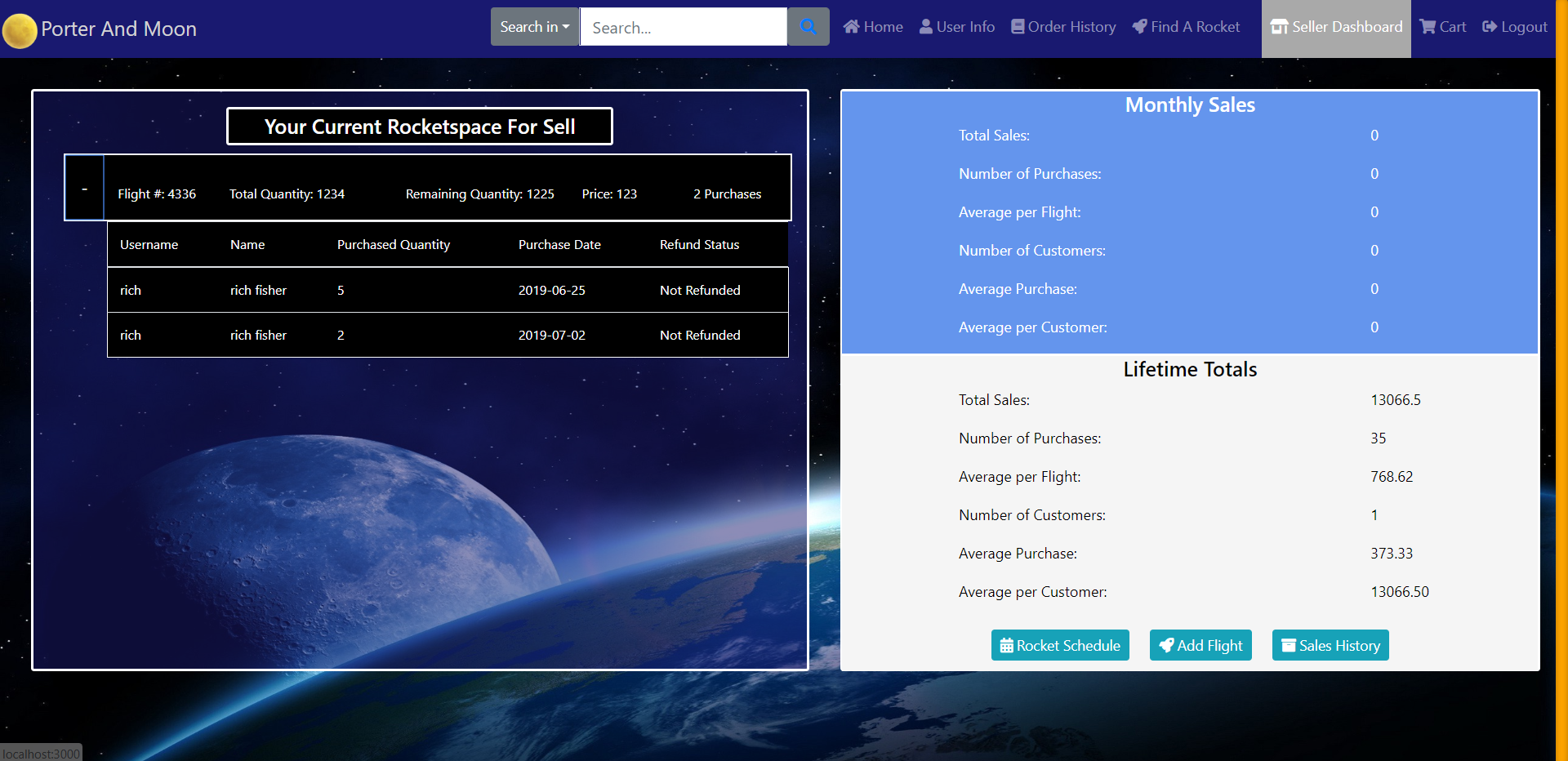
The seller dashboard pulls in the sellers flight tables from the sql server and joins each purchase to the relevant flight and each payment to the relevant order. The seller can then view not only general statistics and purchase information, but select individual purchases to view the order and payment details of that purchase.
Flight Calendar
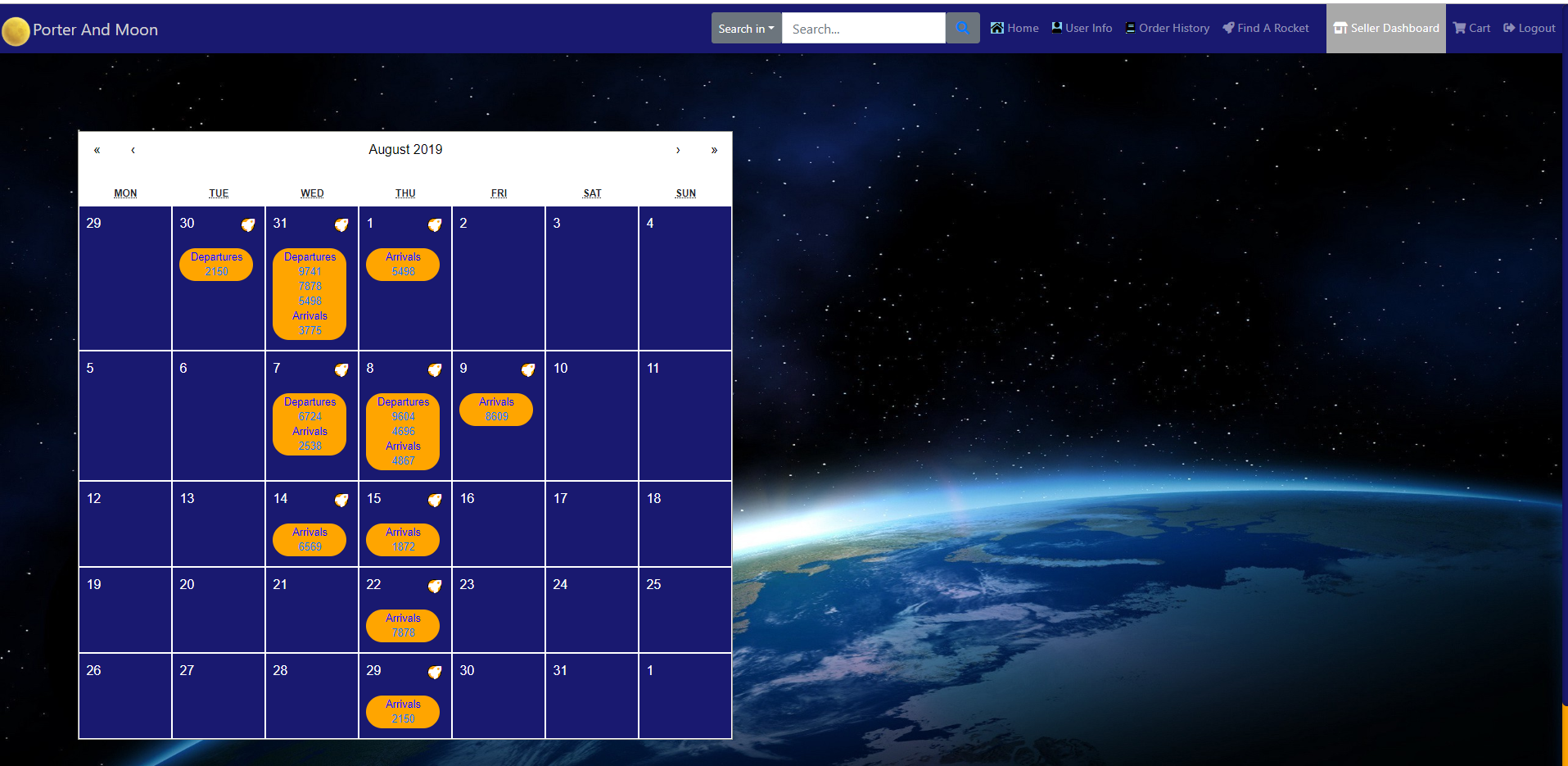
The flight calendar utilizes the React Calendar library to allow a seller to view their flight schedule. Flights are pulled from the sql server and have their arrival and departure times converted to the React Calendar format, where they are inserted into their proper dates along with a link to the flight details through a callback function passed to each date.
Flight Listings
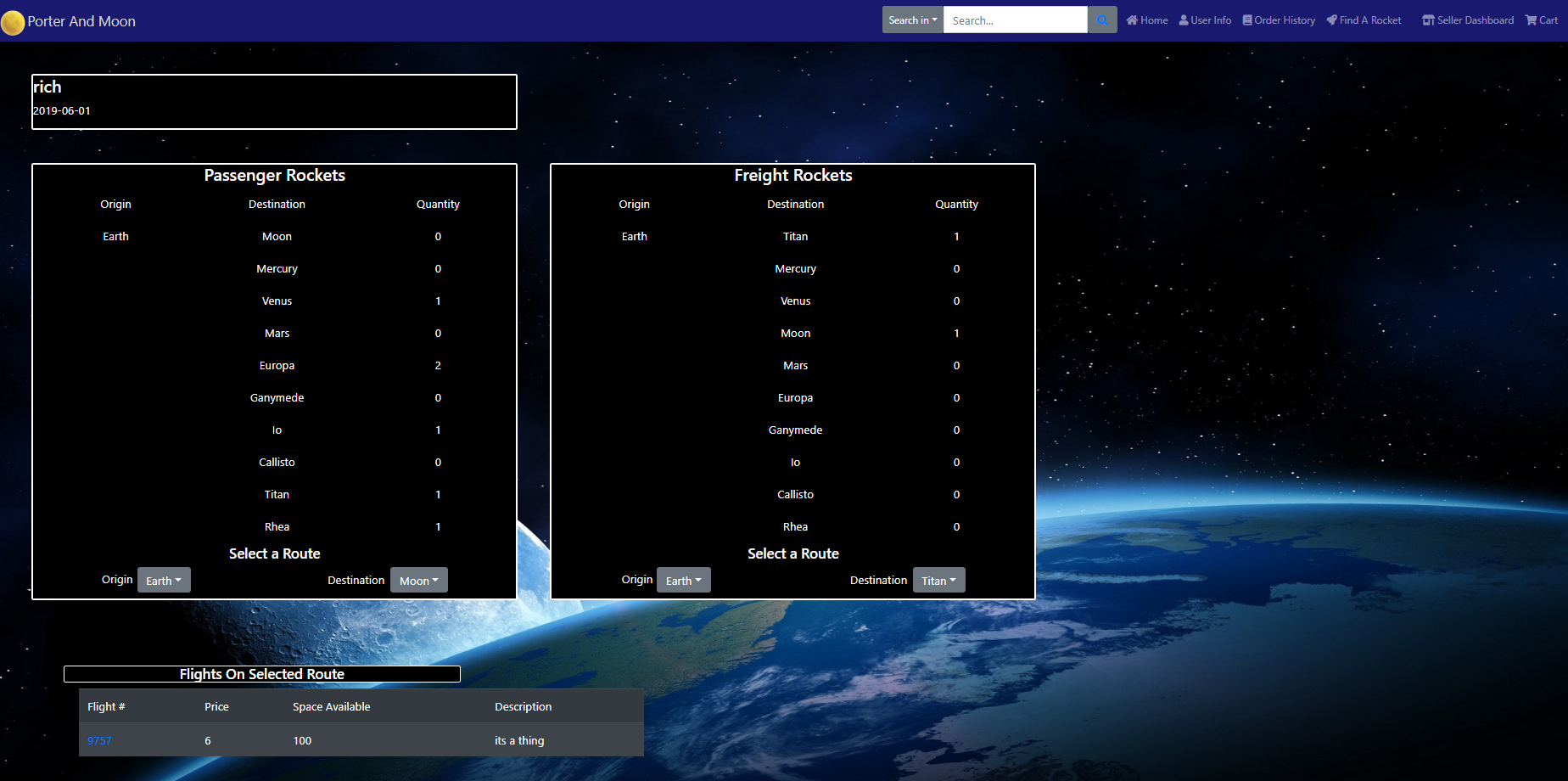
Flight listings are sortable along many channels, the custom multi-tier dropdown menu allows specifying flight type as well as destination, and even displays number of flights in menu along the route. Within an airlines home page, flights can be sorted by route, using a combination of origin and destination, as well as departure dates.
Achievement System
Voting System
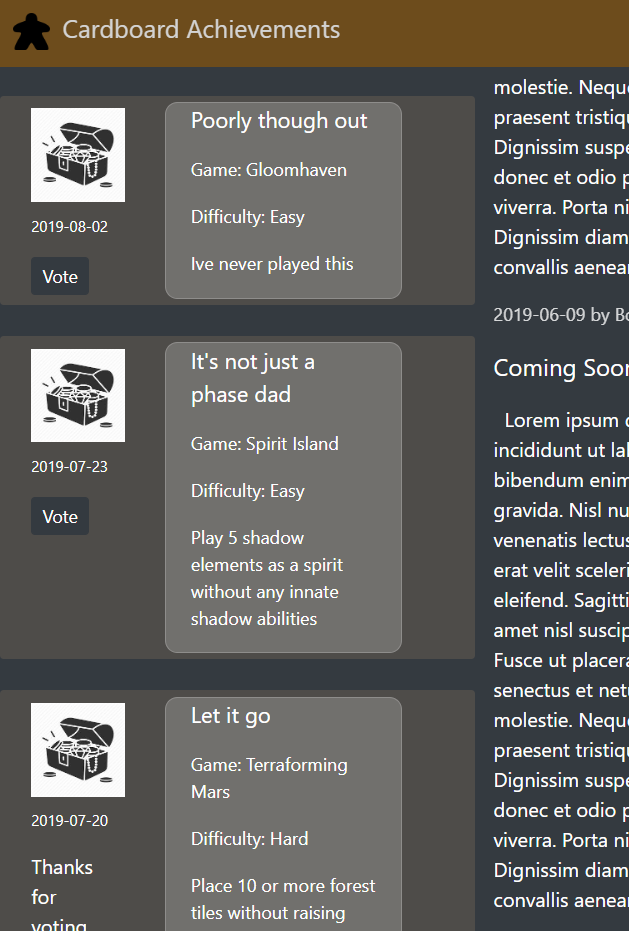
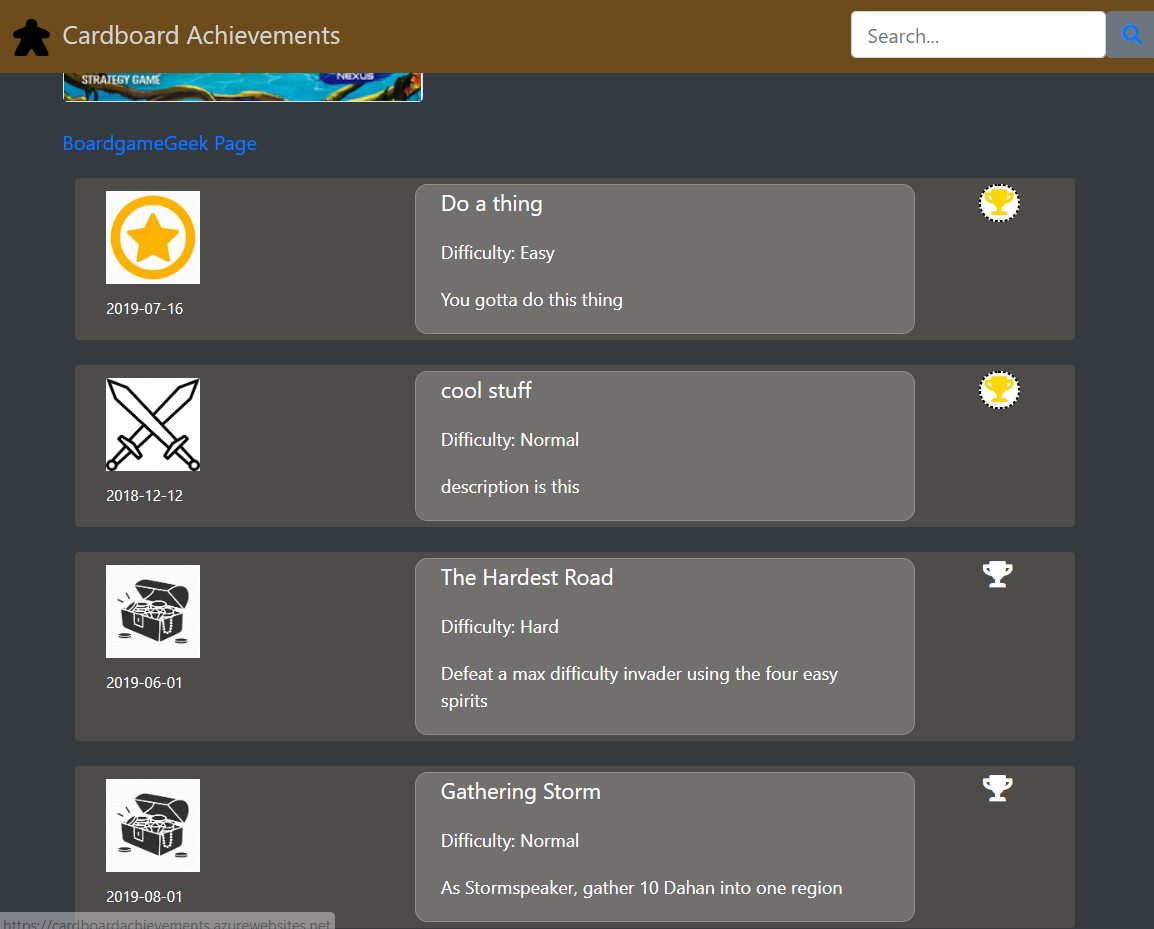
New achievements can be proposed by players and are added to the voting pool. Achievements in the voting pool have a 30 day active voting period, checked each day by a background process running through Hangfire. At the start of each month, votes are tallied for each pending achievement not in active voting, and the top ten vote getters are automatically added to the site. This is also controlled by another background process in Hangfire.
Automatic Notifications
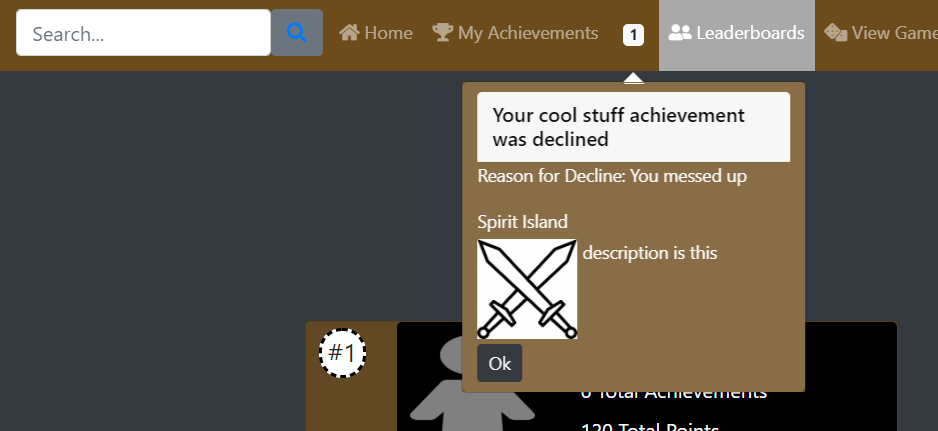
When a user's achievement submission is reviewed by a moderator, a notification is automatically generated for the user with the status of their achievement submitall and a reason for denial in the case that an achievement is not approved. After a user views a notification, it is flagged as viewed in the database and will no longer be returned or displayed to the user.
Custom Searching
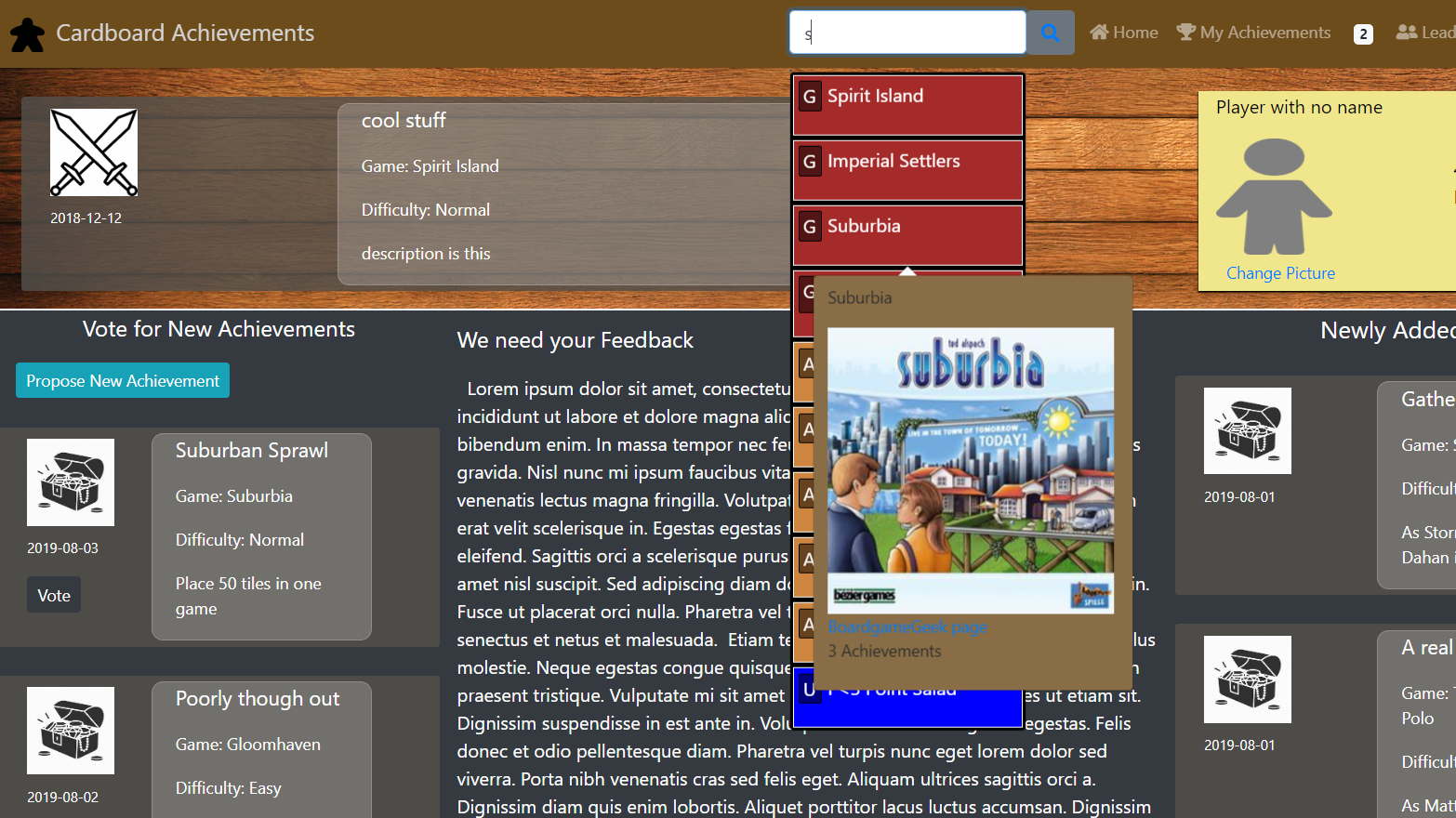
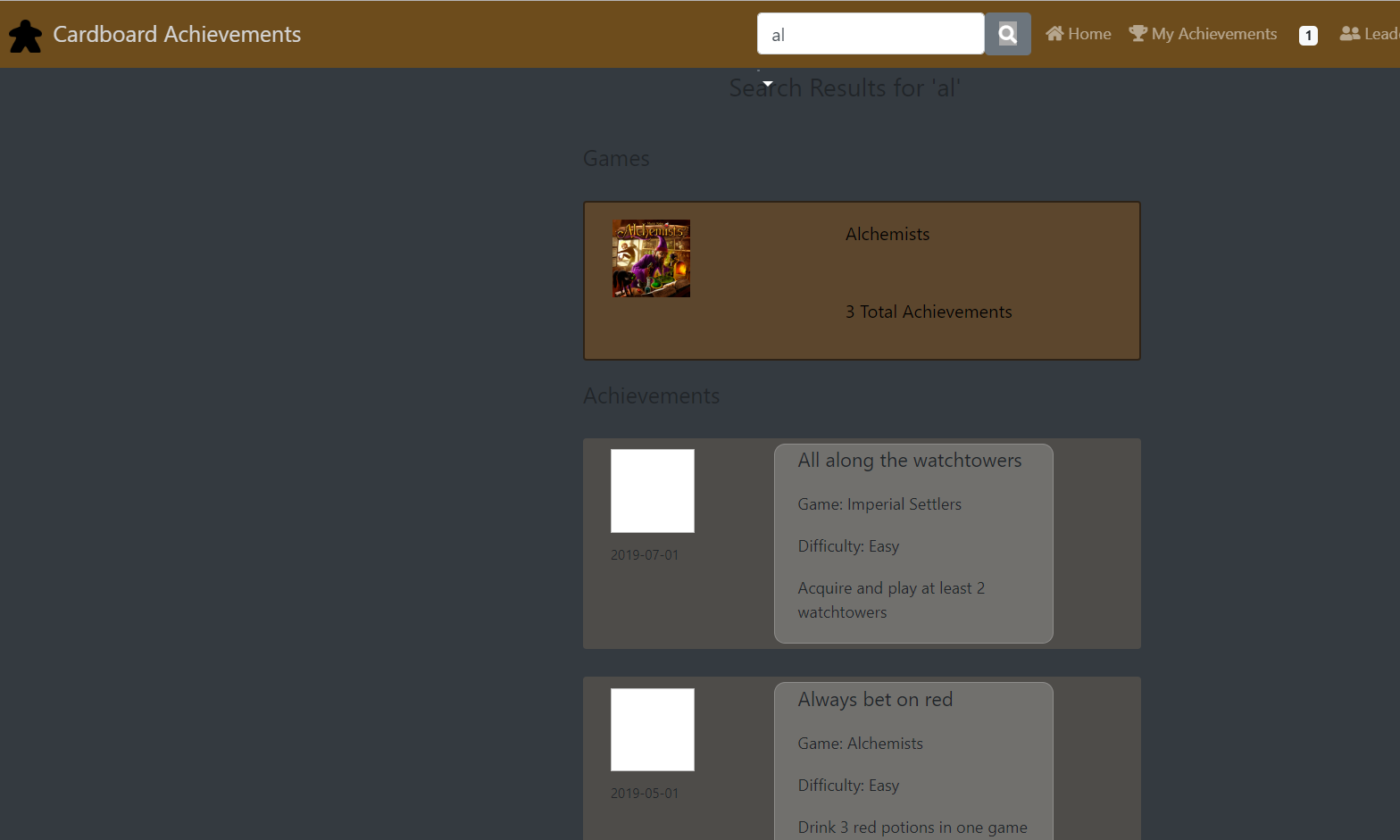
Cardboard achievements uses a custom self-made search functionality that searches items within each word for better search results. Furthermore, top results are displayed in a popdown selection with tags and styling based on item type. Users can hover over a search result for 2 seconds and a call is made to the database to retrieve and render a preview of that item.
Filtered User Searching
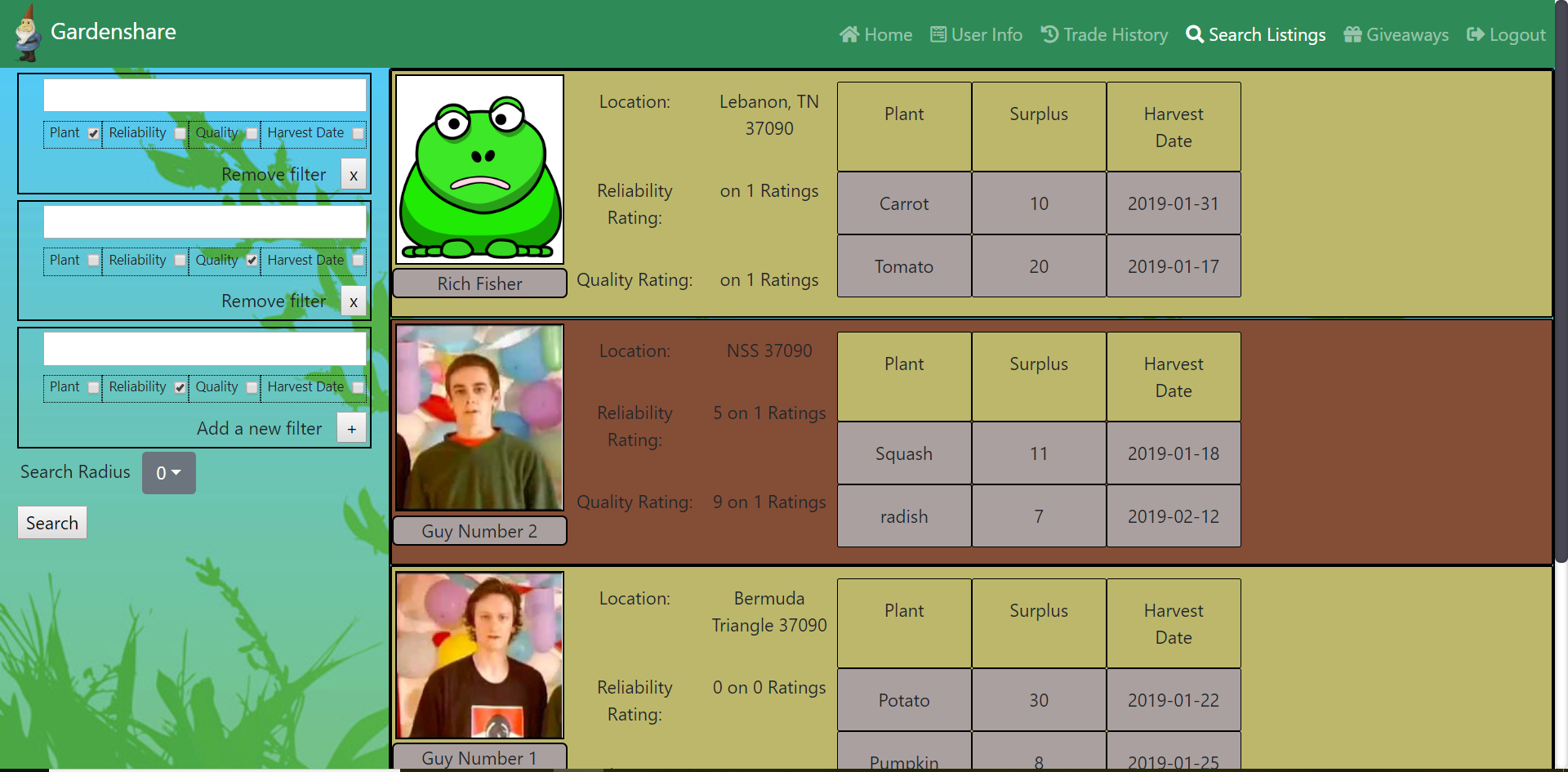
Gardenshare's user search utilizes zipcodeAPI to filter results in a chosen radius around the user. Additionaly, filters are available for ratings, name, and harvest dates. Users can choose as many filters as they want, and can even add multiple filters for the same channel. The filter component passes a reference to itself up to the main component when options are selected, adding or removing filter objects from an array held in state to be iterated over by the filtering function.
Trading System
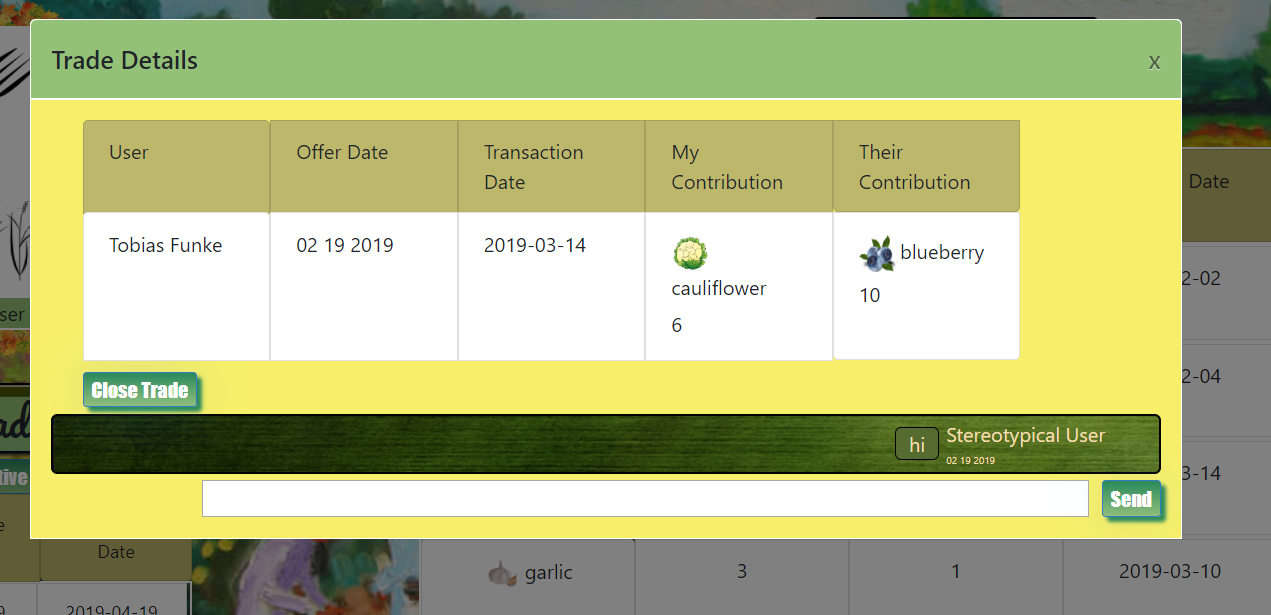
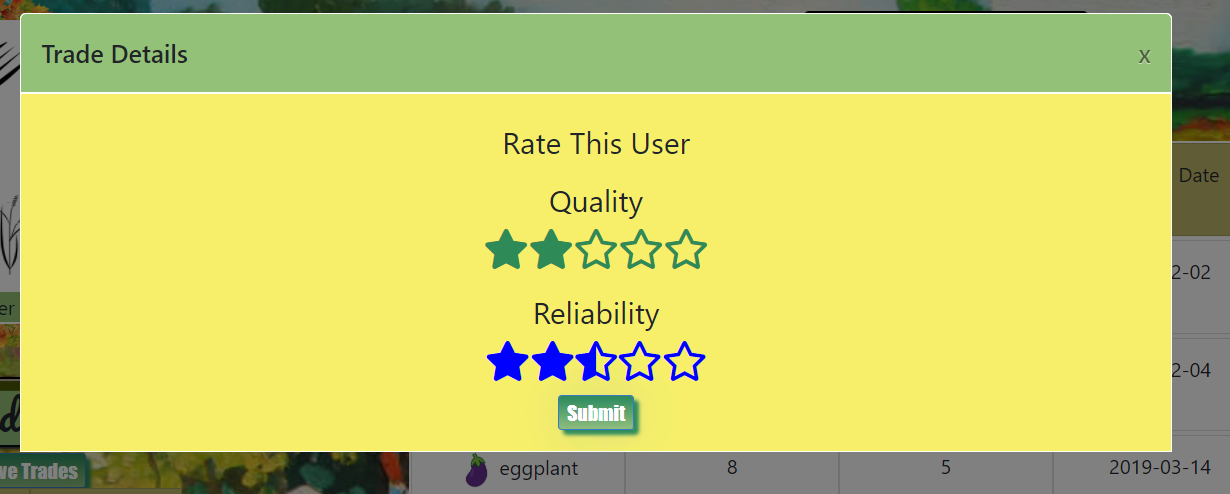
The trade system allows users to suggest crop trades with other users. The system prevents users from suggesting trades for products that they or the trade partner lack or have insufficient quantity. A built in messaging system is tied to each trade request, allowing for communication between the users as they work out the particulars of the trade. When a trade is completed, each user's inventory is automatically updated to reflect the trade changes. When closing a trade, each user has an opportunity to rate the product quality and reliability of their trade partner. This uses a self-made star-rating selector and display. The users ratings are aggregated and re-averaged after each rating.
User Uploaded Photos
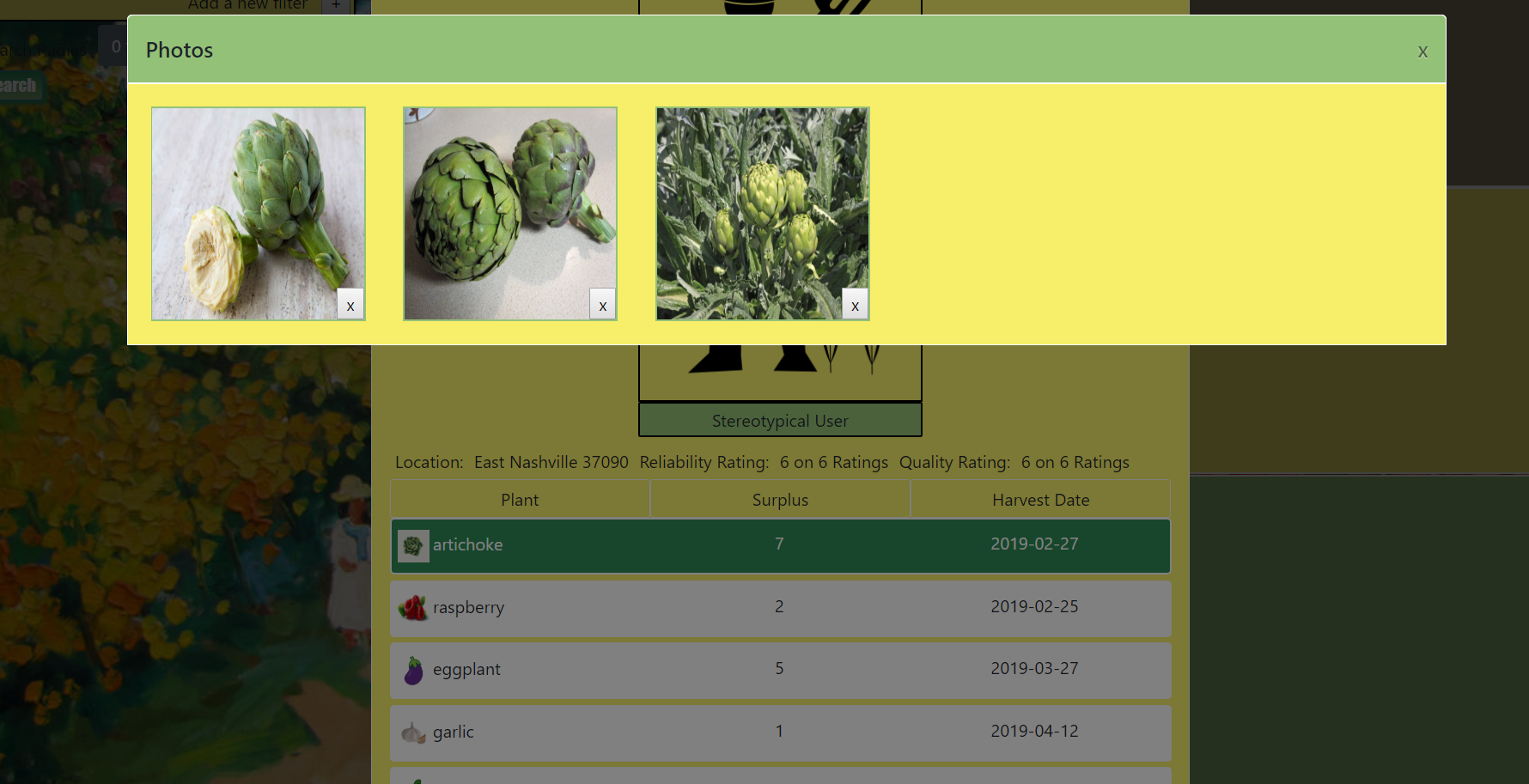
Users can upload photos of their crops to a plant-specific container using firebase's storagebucket. Other users can then view these photos when viewing a user's listing in the trading interface. Because the storagebucket requires a relative file path to retrieve a download url for each photo, a reference to the pathname is created within the database upon each upload and used to retrieve the photo file through the firebase API.
Auto-suggest Plant Additions
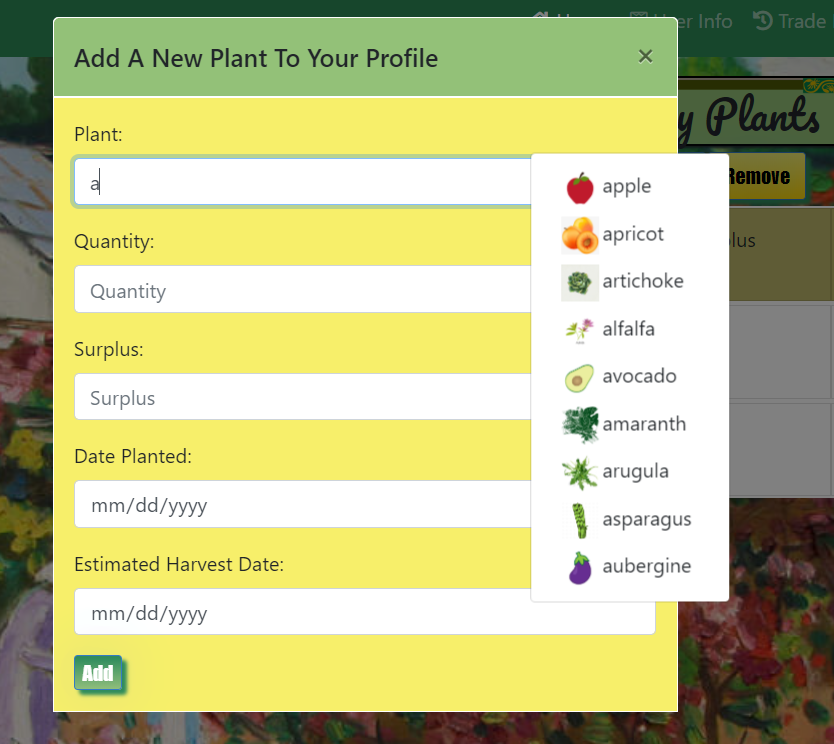
To insure consitentcy in search filtering and trading requests, plants added to a user's inventory must conform to a set listing of names. To help user's select the correct plant listing, plant entry uses a self-made auto-suggest feature to create a matching list of plant names, each with a visual icon for that plant type. Selecting from this auto-suggest list will then fill the relevant input.
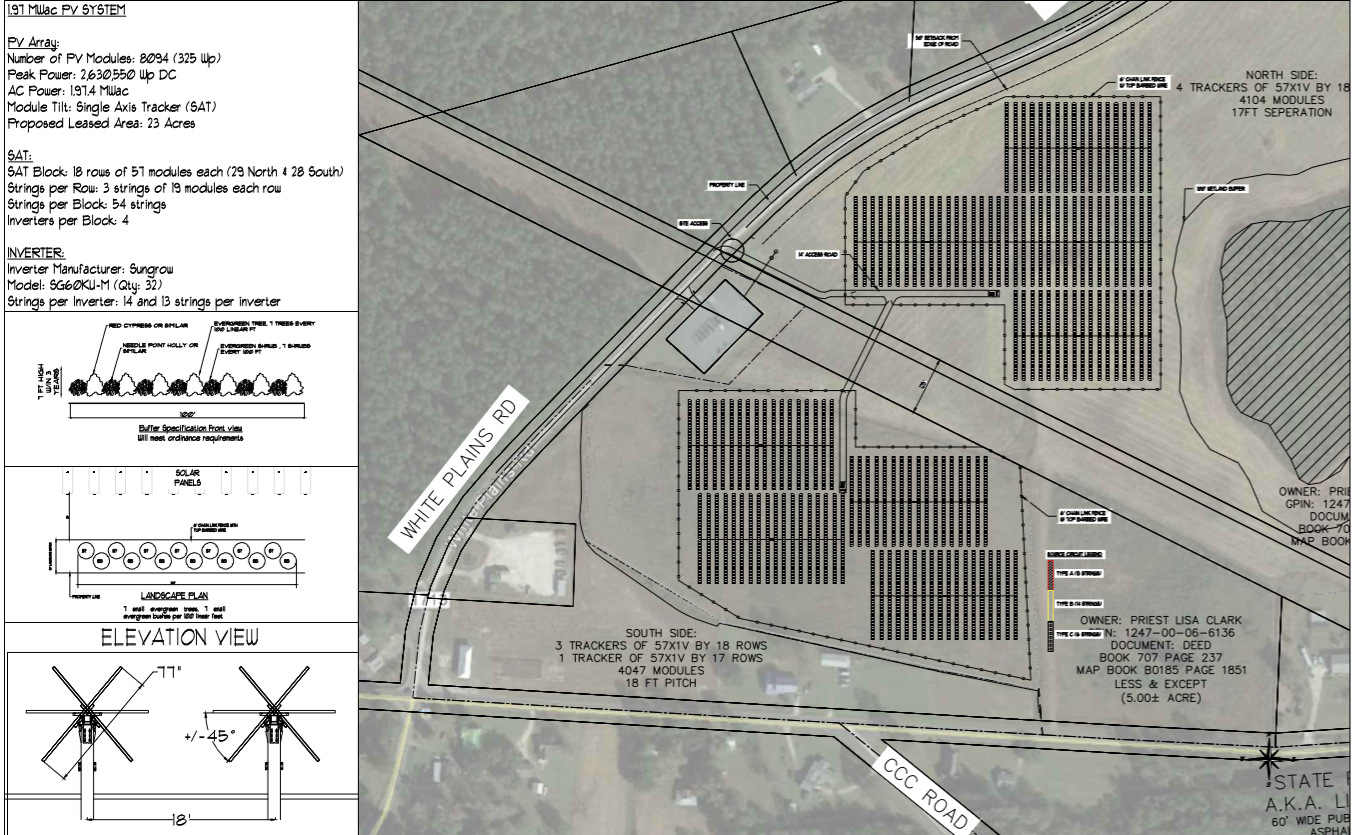
My work in the solar industry
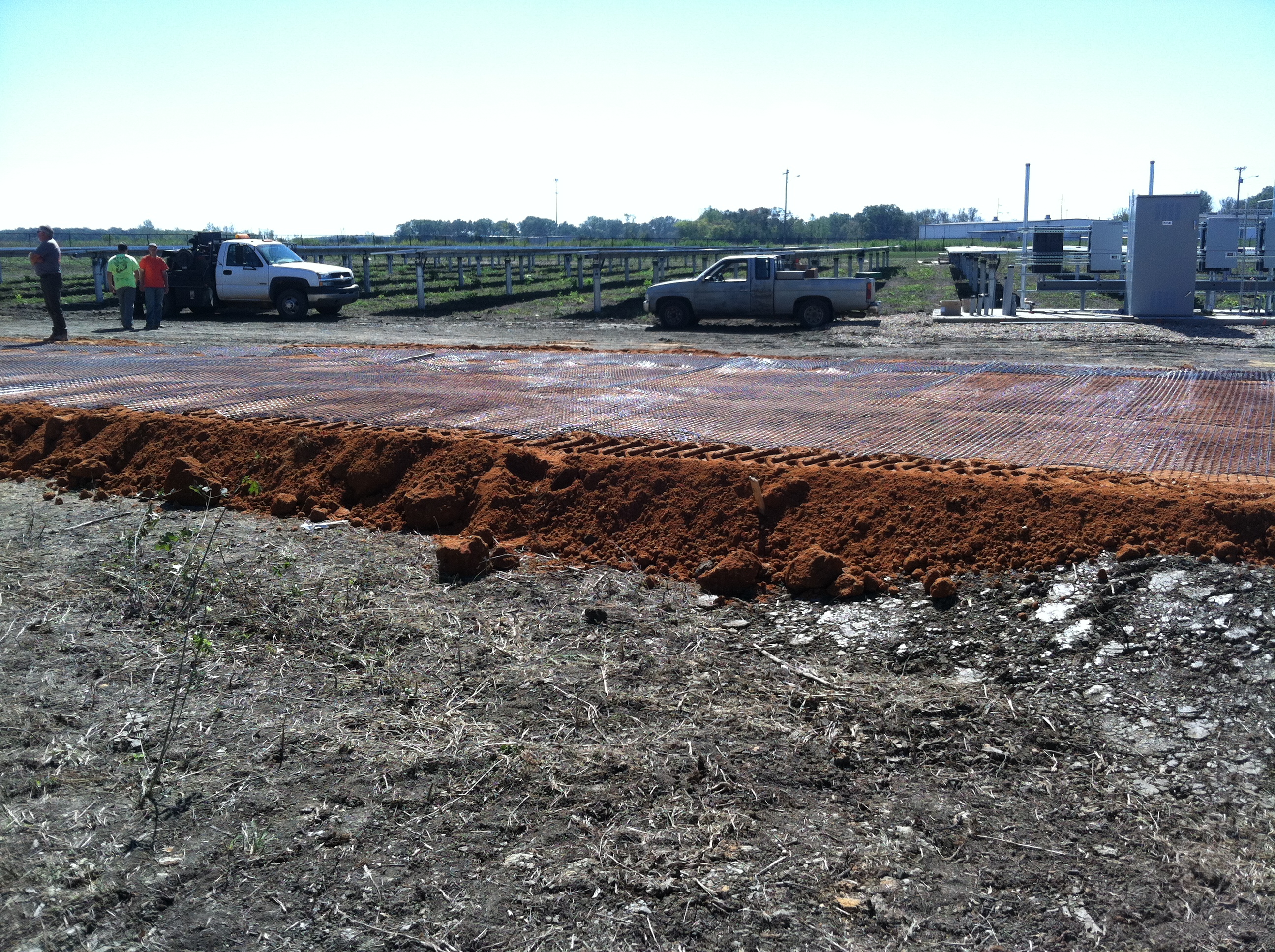
Construction Management
.jpg?alt=media&token=a70bc45f-1286-44a8-9e65-5b14e4f32d1f)

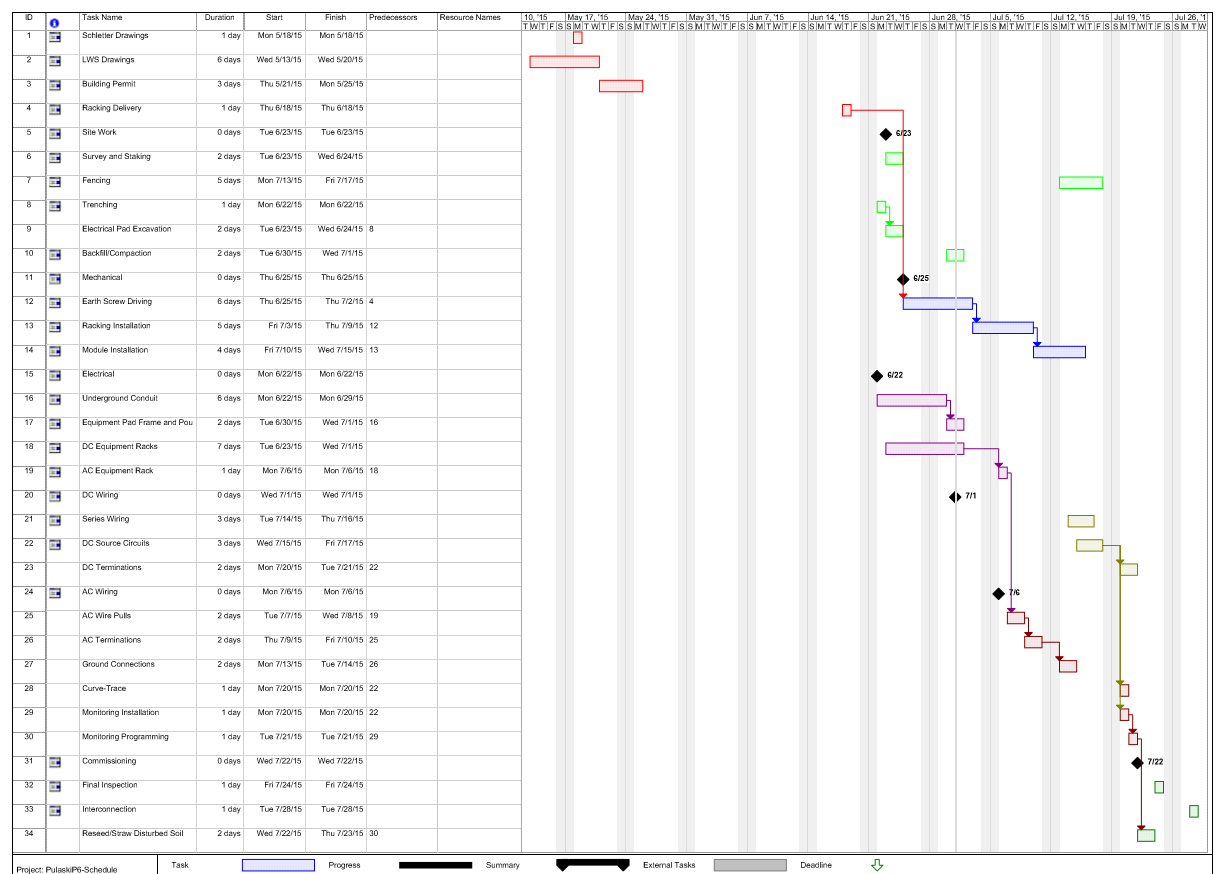
Project Management
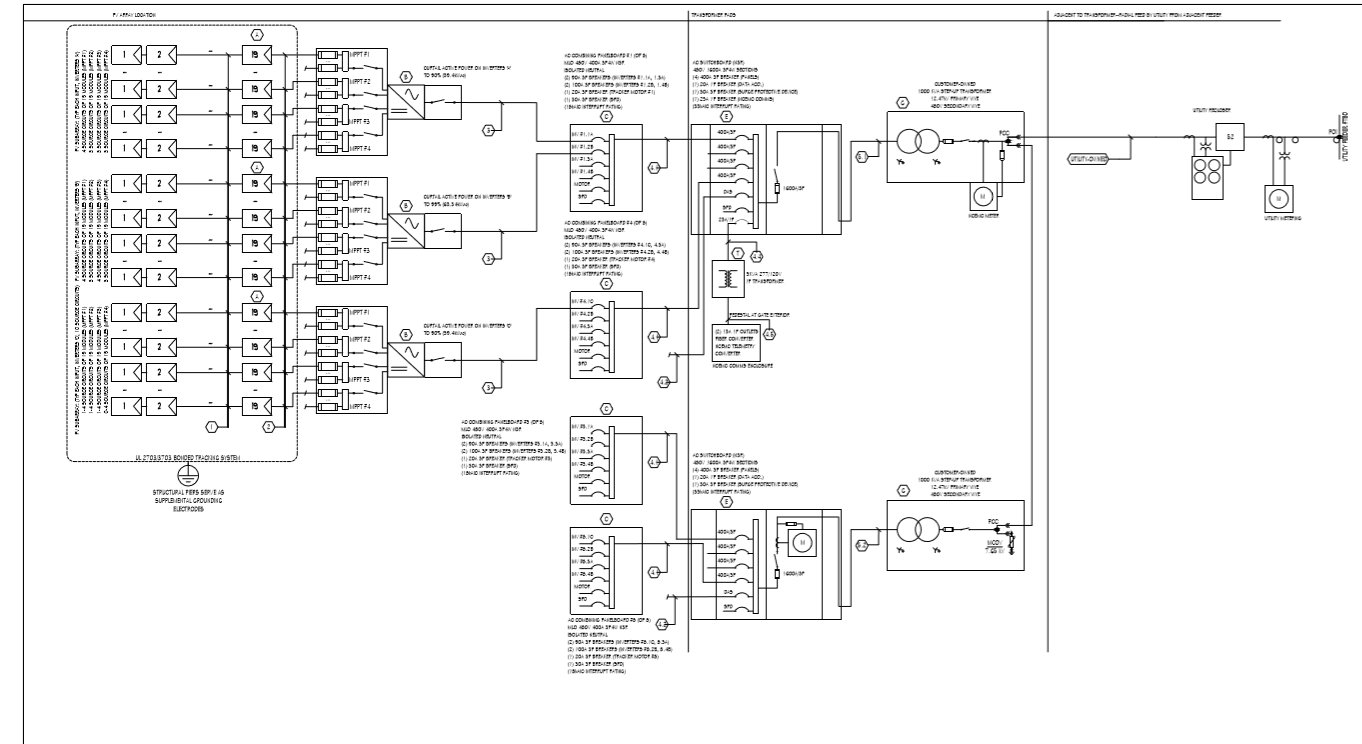
Electrical Engineering
Engineering Management